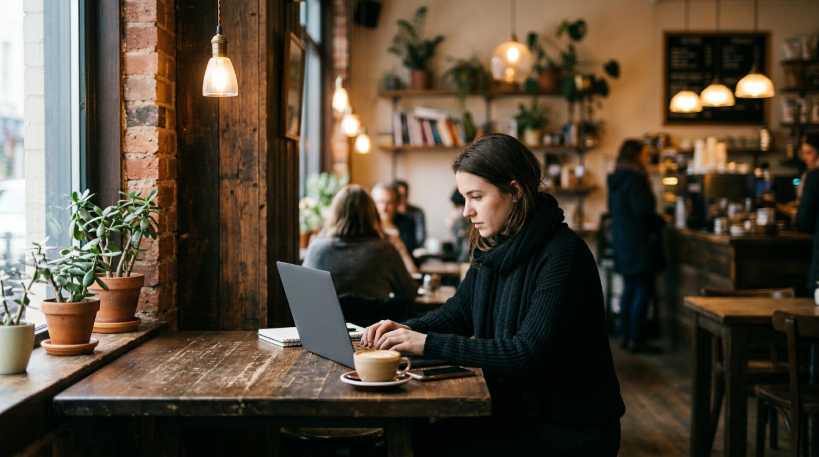
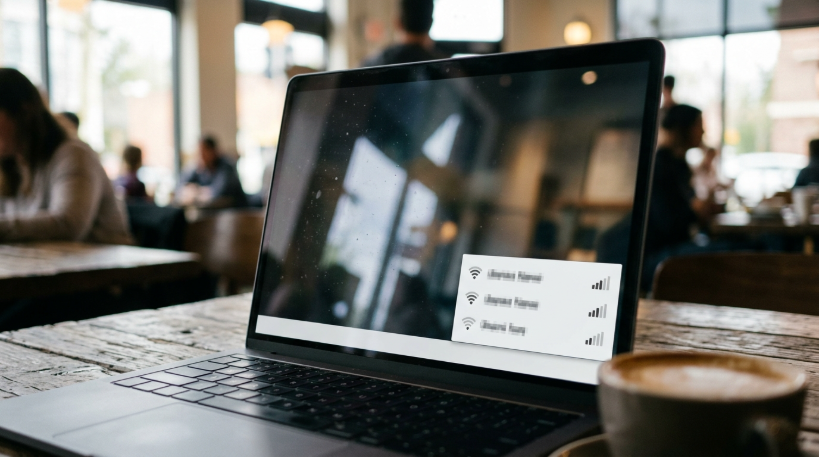
The cafe had everything I wanted from a work-from-anywhere day: good coffee, big windows, a comfortable corner table, and a sign that said “Free Wi-Fi.” I opened my laptop, looked at the list of available networks, and saw three options that all looked plausible: one with the cafe’s name, one with the cafe’s name followed by “Guest,” and one simply called “Free Cafe WiFi.” I picked the one that looked most official and started working. Only later did I wonder whether I had picked the right one, or whether it mattered.
Over the past year, I have worked from cafes, libraries, train stations, and hotel lobbies more often than ever. Remote work has made that possible, and I enjoy the change of scenery. But it also made me realize how little I knew about using public networks safely. So I spent some time learning, and changed a few habits. Here is what I found.
Why cafes became offices
For many people, working from home is great until it is not. After months of working at the same kitchen table, I needed a change. Cafes offered background noise, people around me, and a sense of going somewhere, which helped me focus. Many friends who work remotely say the same thing. A few hours in a cafe can make a long week feel less isolating.
Cafes have adapted too. Many now offer plenty of power sockets, reliable Wi-Fi, and an understanding attitude toward people working on laptops, as long as they keep ordering. Some have quiet areas or long tables designed for laptop workers. The cafe-as-office has become a normal part of modern working life.
But cafes are public places, and their networks are shared with everyone who walks in. That changes the security picture compared with a home network.
What can go wrong on public Wi-Fi
The risks of public Wi-Fi are sometimes exaggerated, but they are real. The most commonly discussed one is a fake network. Someone can set up a hotspot with a name that looks like the cafe’s network. If you connect to it, your traffic passes through their device, which could allow them to see or interfere with some of it. That is why the three similar-looking networks made me uneasy.
Another risk is that other people on the same network may be able to see your device and attempt to connect to it if your computer’s sharing settings are too open. Most modern operating systems handle this sensibly when you mark a network as public, but older settings or file sharing features can create gaps.
The good news is that much of the internet is now encrypted. Most websites use HTTPS, which means the content of what you send and receive is protected even on an untrusted network. This has made public Wi-Fi much safer than it was a decade ago. But encryption is not universal, and fake networks can still cause problems, for example by redirecting you to convincing fake login pages.


Checking which network is real
The simplest habit I adopted was asking staff for the exact network name and password. Cafes usually have this written on a card, the menu board, or a receipt. If there are several similar names, I ask which one is correct. It takes ten seconds and removes much of the guesswork.
I also became more cautious about open networks with no password at all, especially if they have generic names like “Free WiFi.” They are not necessarily dangerous, but they are the easiest to fake. If a cafe has a password-protected network, I prefer it, even though the password is shared with everyone, because it at least confirms I am connecting to the network the cafe intended.
Finally, I turned off the setting on my laptop and phone that automatically joins known networks. Without it, my devices could connect to a network with a familiar name in a different place without asking me first.
The login pages that ask for too much
Many public networks show a login page before you can access the internet, sometimes called a captive portal. Some simply ask you to accept terms. Others ask for an email address, a phone number, or even to sign in with a social media account. I used to fill in whatever they asked without thinking.
Now I am more careful. A cafe network does not need my phone number or access to my social media profile. Those details are often used for marketing, and sometimes shared with third parties. When a portal asks for more than I am comfortable giving, I either skip the network and use my phone’s hotspot, or use a secondary email address I keep for sign-ups and newsletters.
I also watch out for portals that look suspicious, for example asking for a password to an existing account or payment details. A legitimate cafe network should never need your email password or bank card. If a login page asks for something like that, it is a strong sign to disconnect immediately.
Settings that make a real difference
When connecting to a public network, both my laptop and phone ask whether it is a public or private network. I always choose public. This setting typically makes the device less visible to others on the network and turns off sharing features like file sharing and network discovery.
I also double-checked that my laptop’s firewall was turned on, that file sharing was off, and that my operating system and browser were up to date. Updates often fix security problems, and keeping devices current is one of the simplest and most effective protections available.
Another useful step was enabling two-factor authentication on my important accounts: email, work tools, banking, and cloud storage. Even if someone somehow captured a password, they would still need the second factor to get in. This protects me everywhere, not only on public Wi-Fi.
Do you need a VPN?
A VPN, or virtual private network, creates an encrypted tunnel between your device and the VPN provider’s server. On public Wi-Fi, this means that even if you connect to a suspicious network, the network operator cannot easily see or tamper with your traffic. Many employers provide VPNs for remote workers, and using one for work is often required.
For personal use, a VPN can add a layer of protection on public networks, but it is not magic. You are shifting trust from the cafe’s network to the VPN provider, so choosing a reputable provider matters. Free VPN services in particular should be treated with caution, since some have been criticized for collecting and selling user data. And a VPN does not protect you from phishing, weak passwords, or malicious downloads.
I use my employer’s VPN for work and a reputable paid service for personal browsing when on public networks. But I see it as one tool among several, not a complete solution.
What my employer taught me
When I mentioned my cafe working habits to my employer’s IT team, they gave me some useful advice. They asked me to always use the company VPN when accessing internal systems, to avoid storing work files directly on my laptop’s desktop, and to report anything unusual, such as unexpected login prompts or security warnings, rather than clicking through them.
They also reminded me that many attacks rely on people being distracted. In a busy cafe, with noise and interruptions, it is easier to click a suspicious link or approve a login request without thinking. Slowing down when something looks unusual is one of the best defenses, wherever you happen to be working.
The phone hotspot alternative
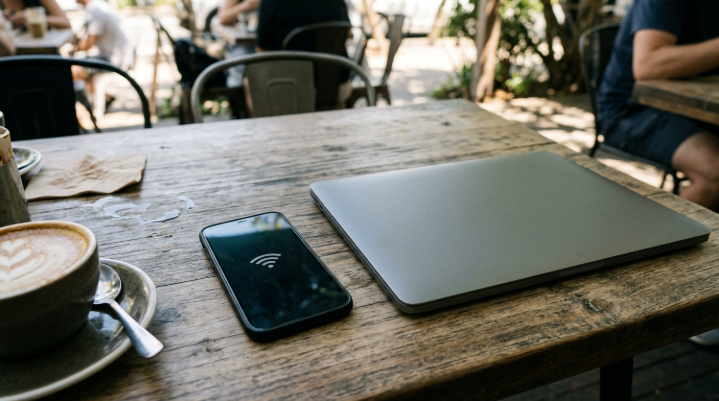
One simple option I started using more often is my phone’s mobile hotspot. Instead of connecting my laptop to the cafe’s Wi-Fi, I connect it to my phone, which uses its own mobile data connection. For many tasks, this is faster and more reliable than crowded cafe Wi-Fi, and it avoids the shared network entirely.
The downside is data usage and battery drain. Large downloads, video calls, and software updates can use a lot of mobile data. I use the hotspot for sensitive tasks, like accessing work systems or banking, and the cafe Wi-Fi for general browsing when I have confirmed it is the right network.
The physical side of public working
Security is not only about networks. Working in public also means people can see your screen. I became more aware of what was visible over my shoulder: work documents, emails, personal messages. Sitting with my back to a wall helped, and some people use privacy screen filters that make the display hard to read from an angle.
I also stopped leaving my laptop unattended, even for a moment, which I used to do when going to the counter for another coffee. Laptops are easy to steal. And I set my laptop to lock automatically after a short period of inactivity, so an unattended screen does not stay open for long.
Video calls in cafes deserve a thought too. Confidential conversations can be overheard by people at nearby tables. For sensitive calls, I now step outside or wait until I am somewhere private.
My cafe working checklist
Over time, these habits became a short routine. Ask staff for the correct network name. Choose public network settings. Make sure the firewall is on and sharing is off. Use the work VPN or phone hotspot for sensitive tasks. Keep devices updated and use two-factor authentication. Sit where screens are not easily visible, never leave the laptop unattended, and keep sensitive calls for private spaces.
It sounds like a lot, but most of it only needs to be set up once. In practice, my routine in a cafe now takes less than a minute before I start working.
Enjoying the cafe without the worry
I still love working from cafes. The coffee, the background chatter, and the sense of being out in the world make some workdays much more pleasant. Learning about public Wi-Fi did not scare me away. It just made me more thoughtful about how I connect.
As for that first cafe with three similar networks, I asked the barista the next time I visited. The real one was the network with “Guest” at the end. The one I had used originally belonged to the shop next door. Nothing bad had happened, but it was a good reminder that in public spaces, a ten-second question can be the simplest security tool of all.
