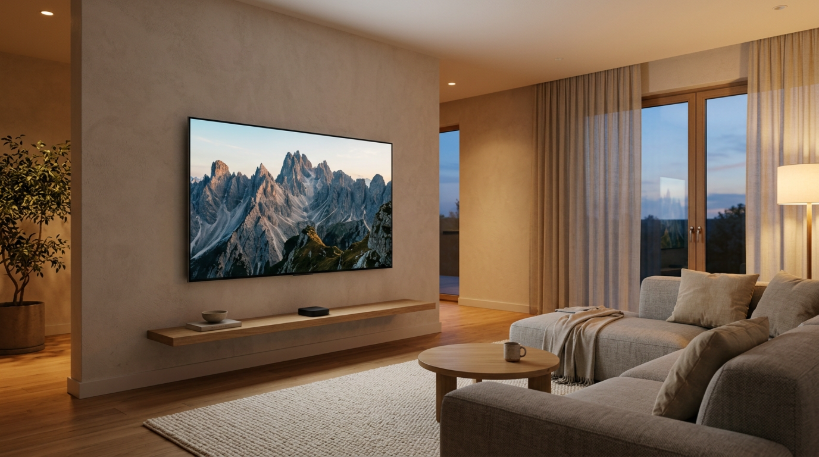
The final straw was an advertisement. I turned on my smart TV one evening to watch a film, and before I could reach anything I wanted, the home screen played a loud, autoplaying trailer for a show I had no interest in. Then a pop-up asked me to accept updated terms and conditions. Then a row of sponsored apps appeared that I had never installed. It took me nearly a minute to get to the film. I remember thinking: this television is supposed to be mine, so why does it feel like a billboard?
When that TV started having problems a few months later, I decided to try something unusual. Instead of buying another smart TV, I went looking for a so-called dumb TV, or more precisely, a display without built-in apps, and connected a separate streaming device to it. It turned out to be harder to find than I expected, and the experience taught me a lot about how modern televisions make money.
Why almost every TV is smart now
My first discovery was how difficult it is to buy a normal TV today. Walk into any electronics shop and almost every television has a built-in operating system, app store, voice assistant, and internet connection. Even the cheapest models come with smart features. Basic displays without them exist, but they are often sold as monitors, commercial displays for businesses, or projectors, and they tend to be more expensive than comparable smart TVs.
That seemed backwards at first. Why would a TV with fewer features cost more? The answer, I learned, is that smart TVs are not just sold once. Many manufacturers earn ongoing money from them through advertising, sponsored content placement, and data about what people watch. Some industry analysts have pointed out that this ongoing revenue allows manufacturers to sell the hardware at very thin margins. In other words, the low price of a smart TV is partly paid for by the viewer’s attention and data.
Once I understood that, the advertisements on my old home screen made sense. They were not a bug or an annoyance the manufacturer forgot to fix. They were part of the business model.
The data your TV quietly collects
Looking into my old TV’s settings, I found a feature I had never noticed, often called automatic content recognition. The idea is that the TV can identify what is on the screen, including content from other devices connected to it, and use that information for recommendations and advertising. It was switched on by default, buried deep inside a privacy menu.
I also found settings for personalized advertising, viewing information sharing, and voice recording for the assistant. None of these were explained clearly when I first set up the TV. I had simply clicked “accept” on a long list of terms, as most people do, because the TV would not work otherwise.
To be fair, many of these features can be turned off, and some people do not mind them. But I did not like the idea that my television was watching what I watched, especially since it was in my living room and connected to everything else on my home network.

What I bought instead
After some searching, I found a display marketed mainly to businesses for use in offices and shops. It had a good picture, several HDMI inputs, built-in speakers, and a remote control, but no app store and no need to connect to the internet at all. It cost a bit more than a smart TV of similar size and quality, which annoyed me, but I was prepared to pay for the simplicity.
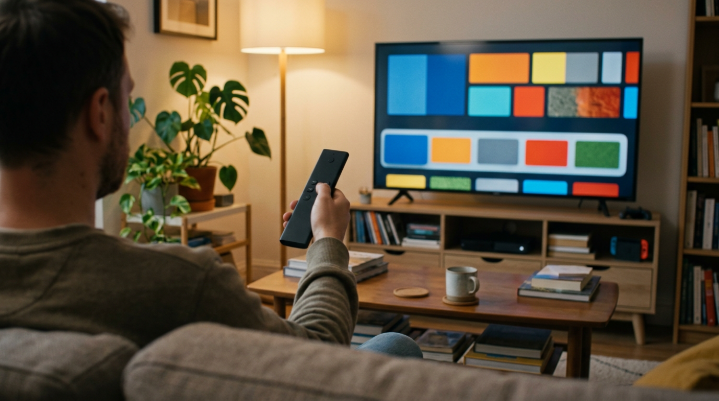
To actually watch streaming services, I connected a small external streaming device. This might sound like it defeats the purpose, since the streaming device also has an operating system and its own interface. But the difference is that I can choose it, replace it easily, and keep my screen independent. If the streaming device starts filling up with ads or stops receiving updates, I can swap it for another one without replacing the whole television.
Another option I considered was using a smart TV but never connecting it to the internet. Many smart TVs work perfectly well as displays when offline. Some people do exactly this and use an external device for streaming. The downside is that some TVs repeatedly nag you to connect, and firmware updates for picture quality or bug fixes are harder to get.
The setup took ten minutes instead of forty
Setting up my previous smart TV had been a small ordeal. I had to choose a language, connect to Wi-Fi, create or sign in to an account, accept several pages of terms, decide on privacy options I did not fully understand, wait for a software update, and then dismiss tutorials for the voice assistant. By the time I could watch anything, nearly forty minutes had passed.
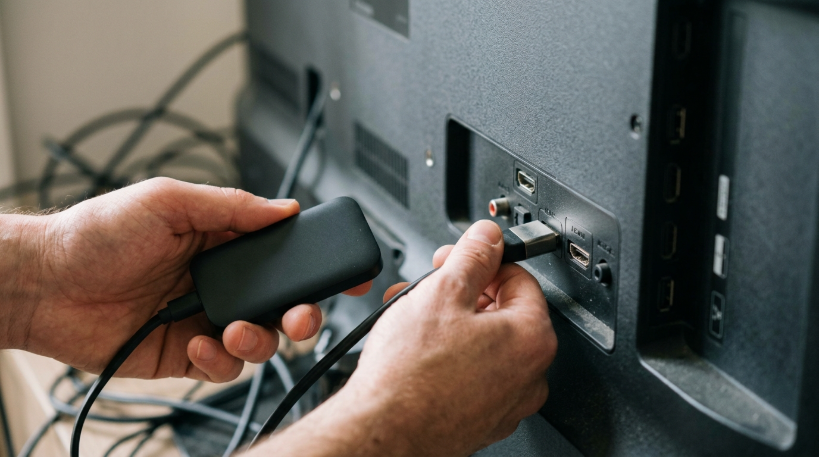
The new display was refreshingly different. I plugged it in, connected the streaming device with a single cable, and switched it on. The display showed the streaming device’s screen immediately. The only setup was on the streaming device itself, which I already had an account for. In about ten minutes, I was watching something.
It sounds trivial, but it reminded me how much invisible effort modern devices demand. Each account, each agreement, each permission takes a little time and attention. Removing even one layer of that made the whole experience feel calmer.
The surprising benefits
The first thing I noticed was speed. When I turn on the display, it shows whatever is connected, immediately. There is no home screen loading, no update notifications, and no autoplaying trailer. It behaves like televisions did years ago: you press the power button, and the picture appears.
The second was longevity. Smart TV software tends to age faster than the screen itself. After a few years, apps stop being supported, menus become slow, and security updates end. The panel might still look great, but the software makes the whole TV feel outdated. By separating the screen from the smart features, I expect my display to last much longer. When the streaming device gets slow, replacing it costs a fraction of a new TV.
The third was peace of mind. Knowing that the display itself is not connected to the internet, not recording anything, and not sending viewing data anywhere removed a small but real sense of unease.
The drawbacks I did not expect
It was not all perfect. Business displays sometimes have fewer picture-quality features than consumer TVs. Mine lacks some of the advanced picture processing that high-end TVs offer, and its built-in speakers are basic. I added an inexpensive soundbar, which I would probably have wanted anyway.
Having two remotes was mildly annoying at first, though the streaming device’s remote can control the display’s volume and power through the HDMI connection, which solved most of that. Finding the right display also took time, because shops and websites rarely categorize them alongside regular TVs.
And to be honest, the external streaming device still shows some recommendations and promotions on its home screen. It is less intrusive than my old TV, but it is not completely free of advertising. The difference is that I can choose a device whose approach I find acceptable, and change it if that approach changes.
Taking back control of a smart TV you already own
Not everyone wants to buy a new display, and you do not have to. If you already have a smart TV, you can reduce a lot of the annoyances. Start with the privacy settings. Look for options related to viewing information, content recognition, personalized ads, and voice data, and turn off anything you are not comfortable with. The names differ between brands, so it can take some digging.
You can also disconnect the TV from the internet entirely and plug in a separate streaming device. This turns your smart TV into a simple display, while you control the smart part separately. Some people also block the TV’s advertising servers through their home network settings, though that is a more technical approach.
Finally, it is worth checking whether your TV has a setting to start on the last used input rather than the home screen. This small change alone can remove much of the daily friction, because the TV turns on straight to your streaming device or cable box instead of its own interface.
Questions to ask before buying any TV
If you are shopping for a television, a few questions can help you avoid surprises. First, ask how long the manufacturer promises software updates for the model. Second, check whether the home screen includes advertising, which reviews often mention. Third, find out whether the TV can be used fully offline, without constant reminders to connect.
It is also worth checking whether the TV can boot directly to an HDMI input, how many inputs it has, and whether the remote can be replaced by your streaming device’s remote. These details rarely appear in the marketing, but they make a big difference to how pleasant the TV is to live with every day.
What this taught me about owning things
The experience made me think about ownership more broadly. With many modern devices, buying the hardware does not mean you fully control it. The manufacturer can change the software, add advertising, alter features, or stop updates whenever it decides to. The device sits in your home, but part of it still belongs to someone else’s business plan.
I do not think this is always bad. Software updates can improve products, and advertising can keep prices low. But I believe people should be able to choose, and right now, for televisions, the choice is surprisingly limited. A simple screen that just shows a picture has become a niche product.
Would I do it again?
Yes, without hesitation. My display turns on instantly, shows exactly what I want, and does not try to sell me anything. The streaming device handles the apps, and if it ever becomes annoying, I will replace it for a modest cost. The screen itself, I hope, will stay with me for many years.
Is this the right choice for everyone? Probably not. Smart TVs are convenient, often cheaper, and good enough for most people, especially with a few privacy settings adjusted. But if you have ever felt that your television is working for someone other than you, it is worth knowing there are alternatives. Sometimes, the smartest TV is the one that does a little less.
